

Margin analysis pack
A structured profitability view that breaks margin changes into price, mix, cost, and customer-specific drivers.
ERP
Use your QuickBooks data where it lives. Get AI-powered analysis, traceable insights, and repeatable workflows without outgrowing your accounting system.
Analyze the data your team already trusts, across the systems that run your business.
QuickBooks Online or Desktop general ledger, chart of accounts, classes, locations, customers, and transactional detail
Department, project, spreadsheet, and operational data used to add business context beyond the native QuickBooks report
Historical close outputs and exported schedules that finance still needs for reconciliations and management reporting
Follow a change in performance through to the drivers behind it.
Bring the results into recurring reviews, close workflows, and leadership reporting.
A structured profitability view that breaks margin changes into price, mix, cost, and customer-specific drivers.
A concise narrative explaining the biggest QuickBooks variances with supporting evidence and drillable detail.
A repeatable workflow that reruns the same QuickBooks analysis each close instead of rebuilding exports in Excel.
Go deeper than a lookup or a static report to explain what changed and why.
QuickBooks can produce core accounting reports, but finance still exports data to analyze why performance changed.
Native reporting is limited when teams need margin analysis by customer, class, project, or operational dimension.
As questions become more strategic, teams outgrow static reports but still want to keep QuickBooks as the system of record.
Connect via QuickBooks Online's API. Your chart of accounts, classes, and transactional data stay in QuickBooks.
Sapien maps your classes, locations, and customer segments so analyses match your reporting structure.
The Company Engine adds driver-level decomposition and variance analysis on top of QuickBooks' native reporting.
Learn more about QuickBooks.
Connect driver-level analysis, traceability, and repeatable workflows to your day-to-day decisions.
QuickBooks gives you the books; Sapien decomposes why margin or cost moved. Get full variance walks and drill to transaction level, so you can answer 'why did we miss?' in minutes.
Combine QuickBooks with CRM, spreadsheets, or other data sources in one place. Sapien understands relationships so finance and ops work from a single source of truth.
Turn the analysis you run every month into Workflow Agents that execute identically each period. Stop exporting to Excel and rebuilding reports every close.
Keep exploring
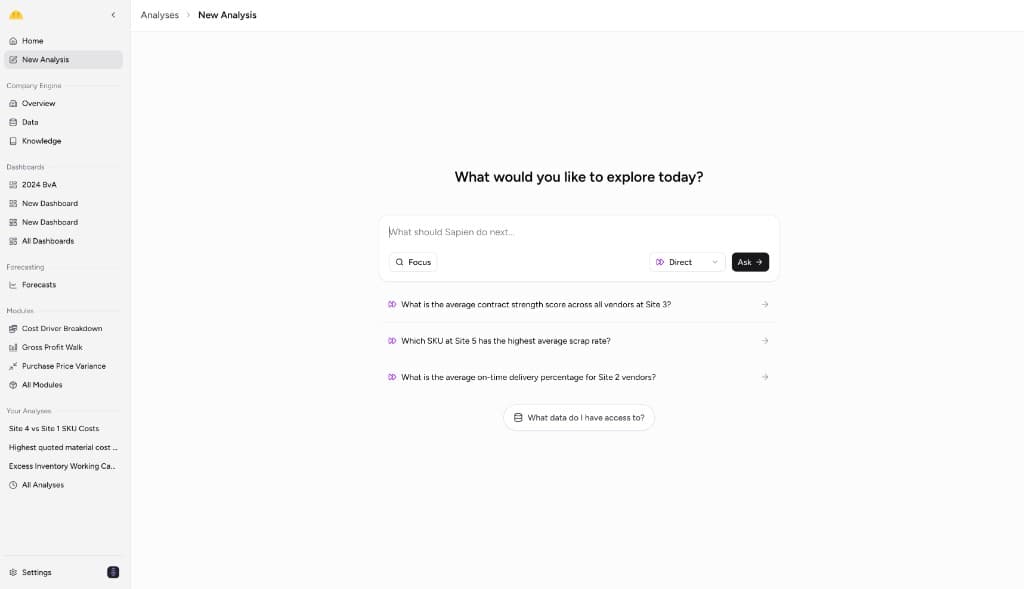
See how Sapien adds explainable, finance-specific analysis on top of the systems you already use.

Use Sapien to move from basic accounting output to deeper profitability analysis across customers and products.

See how finance teams can explain QuickBooks deltas without rebuilding the workflow every month.

Compare plan to QuickBooks actuals and drill to drivers in one BvA workflow, not a patchwork of exports.

Automate recurring close and review packages while keeping a clear path to transaction-level support.
Understand why static reporting tools break down when finance needs deeper follow-up analysis.