Financial AI Tools: How a CFO Should Choose
A practical way for finance leaders to sort financial AI tools: what job the tool does, whether the answer can be traced, and whether it knows this company.
The Sapien Team
Sapien
Finance leaders are being shown a lot of products under the name financial AI. Some write commentary. Some refresh a chart. Some answer a question from a spreadsheet someone uploaded that morning. Those are different jobs, and they fail in different places.
This guide is for a CFO or FP&A leader choosing a tool for the work the close already does: explain a variance, walk margin, and produce a package someone can defend. The immediate distinction is this. A financial AI tool is useful when it can rerun a company-specific question and show the path from the sentence in the commentary to the transactions behind it.
What job is the tool actually doing?
Sort the market by the job, not the label.
| Job | What the team needs | Where it breaks |
|---|---|---|
| Drafting | A first pass of commentary or a memo | The draft is not tied to the rows a reviewer will ask for |
| Reporting | The same package every period | The chart refreshes and the follow-up still starts from scratch |
| Analysis | Why a number moved, by driver | The model uses a generic definition of margin |
| Monitoring | A flag when something looks off | The flag has no path into the workflow that investigates it |
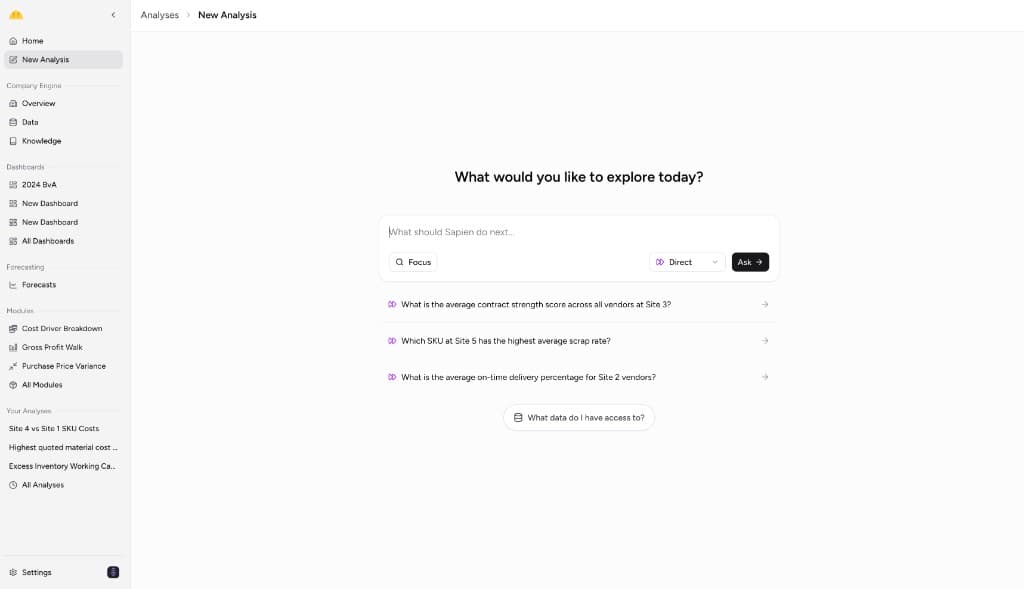
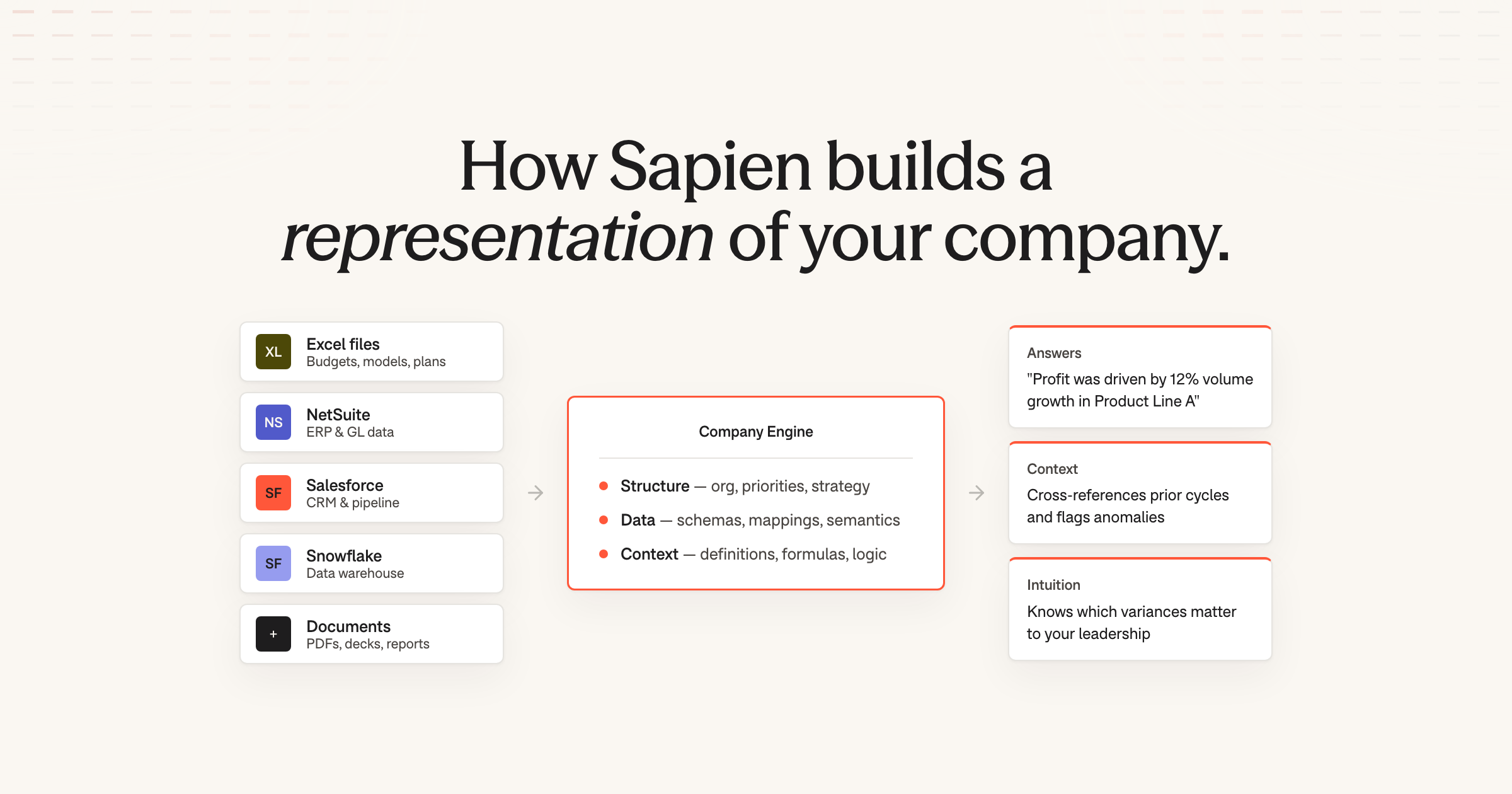
Sapien sits in the analysis job. It connects to the ERP, warehouse, and spreadsheets a team already uses, and it keeps the company's definitions with the answer. The finance automation hub is the map of those workflows. Reporting is one of them, covered on its own in financial reporting automation.
Five checks before a demo counts
- Name the workflow. "Variance for the plants that missed" is a workflow. "Ask anything" is a pitch.
- Use a period the team already closed. The tool should be checkable against a bridge the company already published.
- Ask it to show the definition. Margin that includes overhead in one tool and excludes it in the board deck is not automation.
- Open the number. A reviewer should be able to see the sources, filters, and calculation, which is the standard described in how Sapien builds trustworthy AI for CFOs.
- Rerun it. The second month should not require the same person to rebuild the file.
What finance and operations leaders should look for in an AI demo goes further on how to watch a walkthrough. The short version: if the demo cannot survive the chart of accounts, it will not survive the close.
What published work looks like
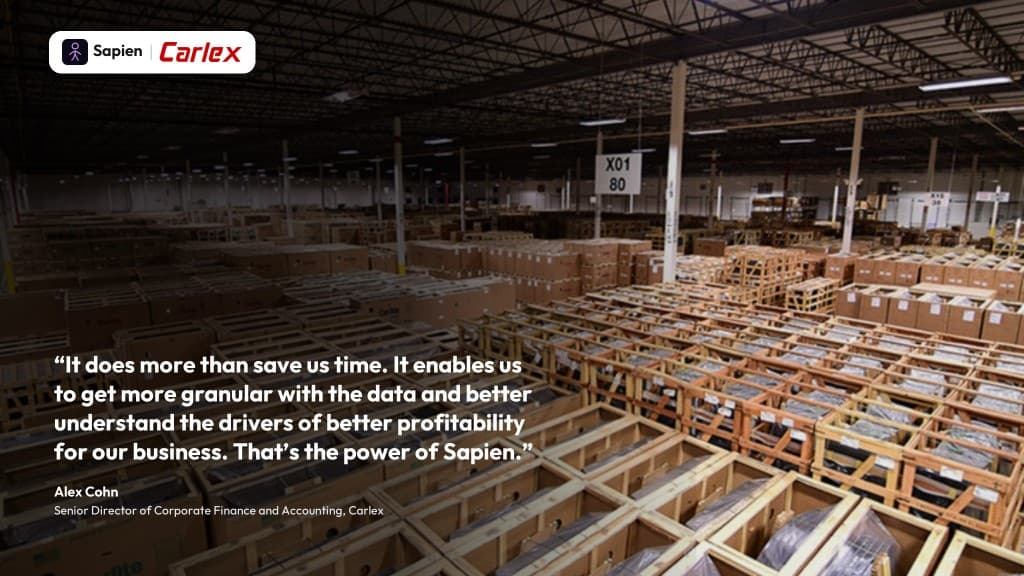
Carlex's finance team had a bridge that credited volume and mix with a large EBITDA benefit. A deeper pass showed the opposite movement, a $12 million attribution correction, and then a profit opportunity of about $1.5 million that the usual analysis had not asked about. The Carlex case study is the record of that work. It is also the kind of check a financial AI tool should be able to support: not a new chart, a different and traceable read on a number the business was already using.
Where to go next
If the job is the close package, start with financial reporting automation. If the job is the accounting work under that package, read AI for accounting. To see the product on your own workflow, book a demo.